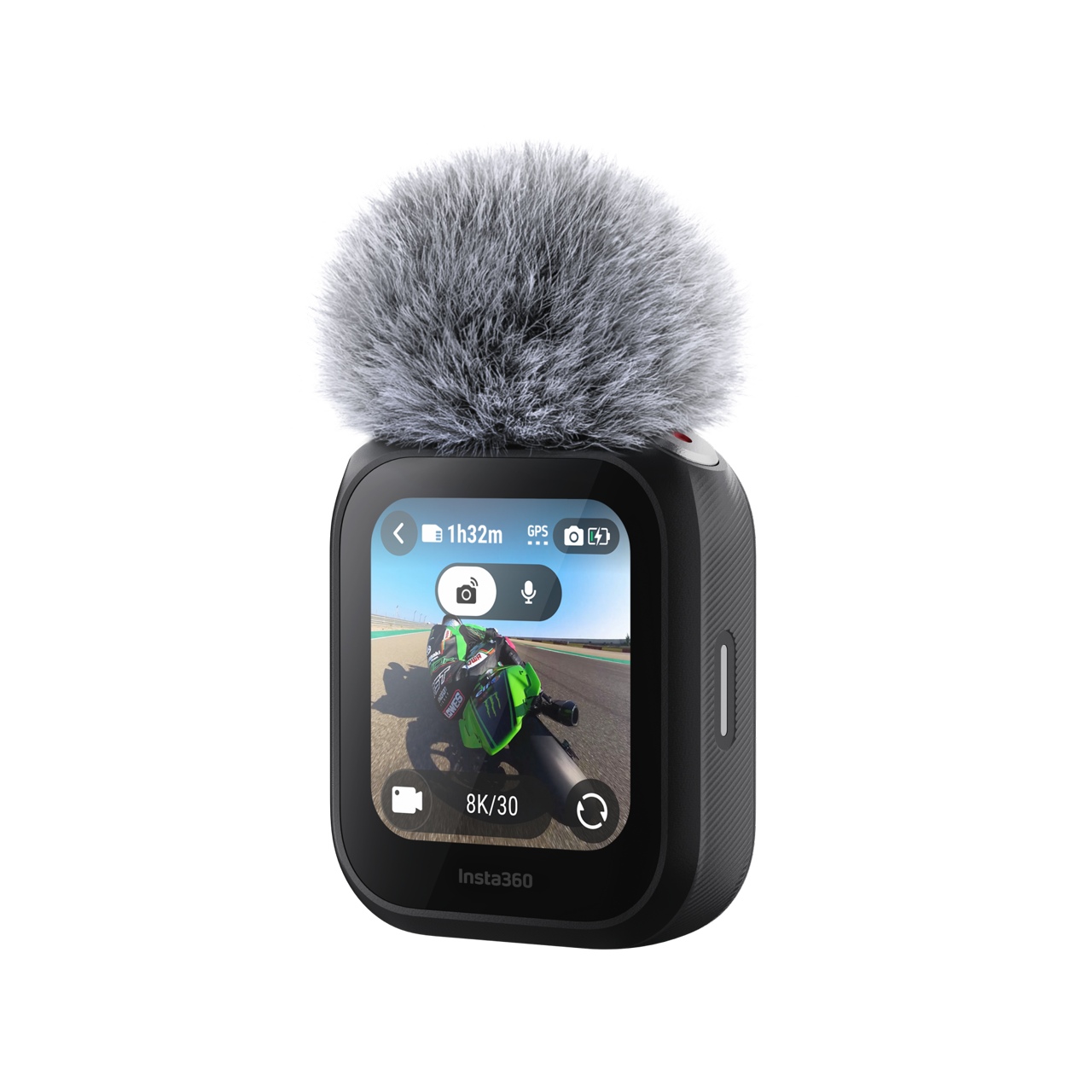
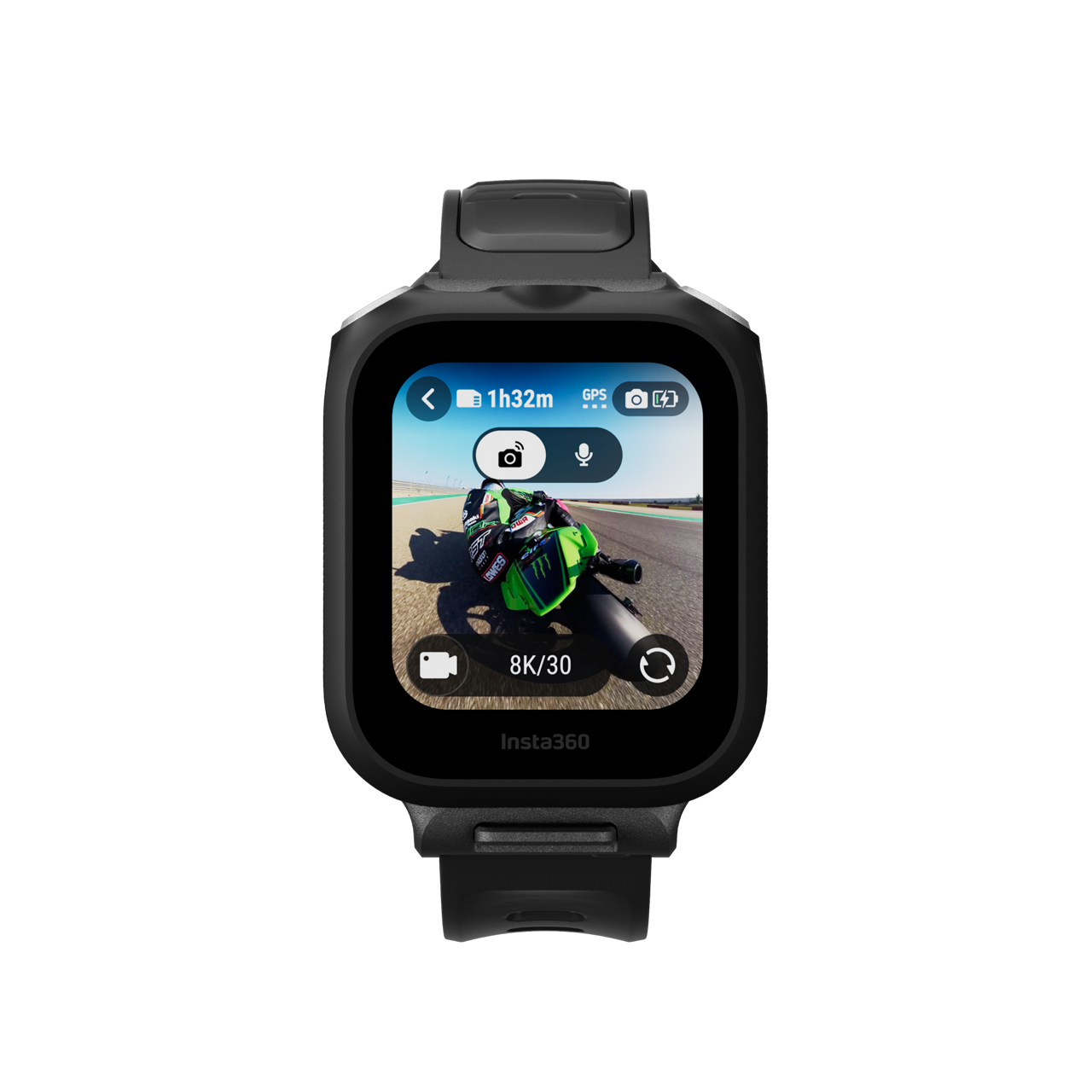
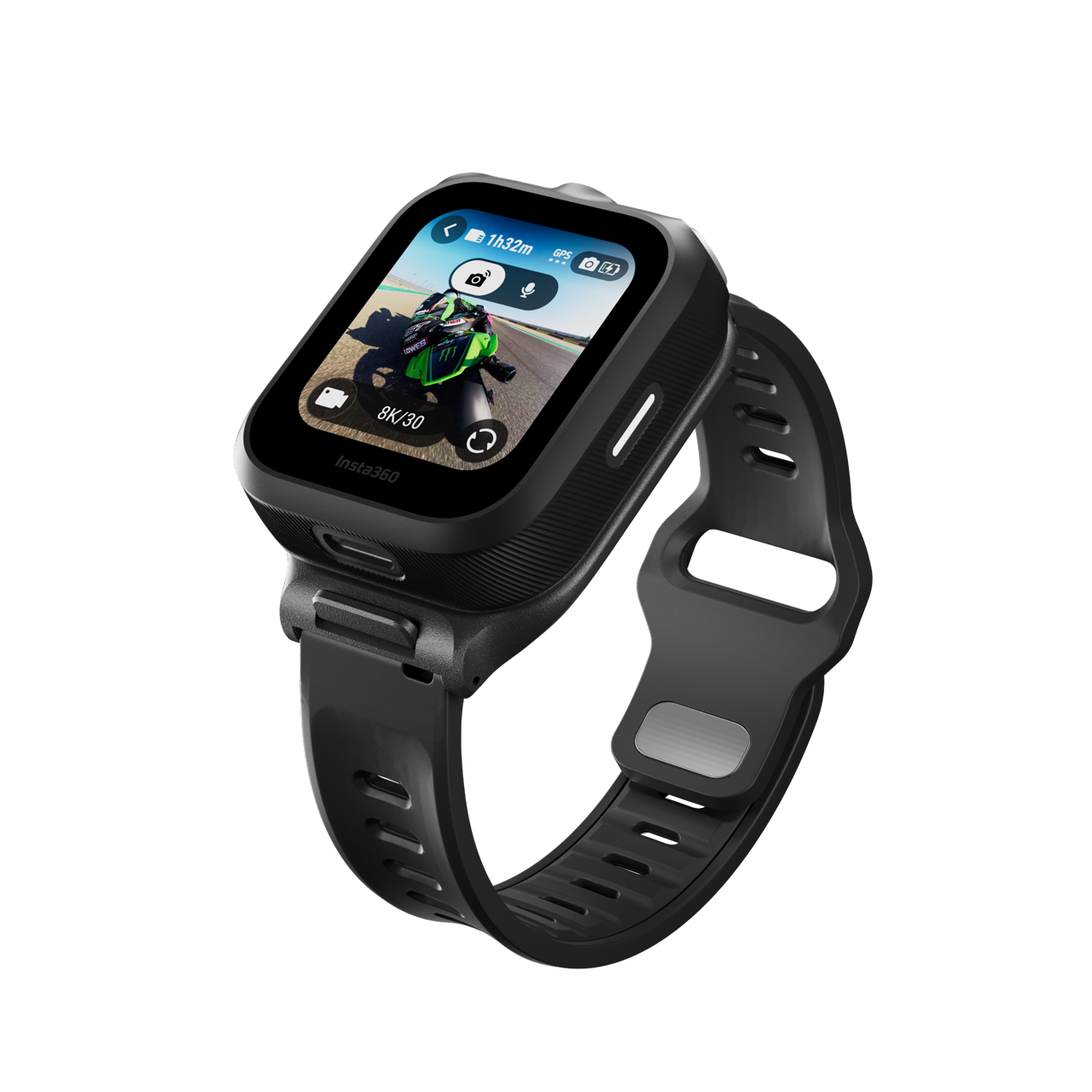
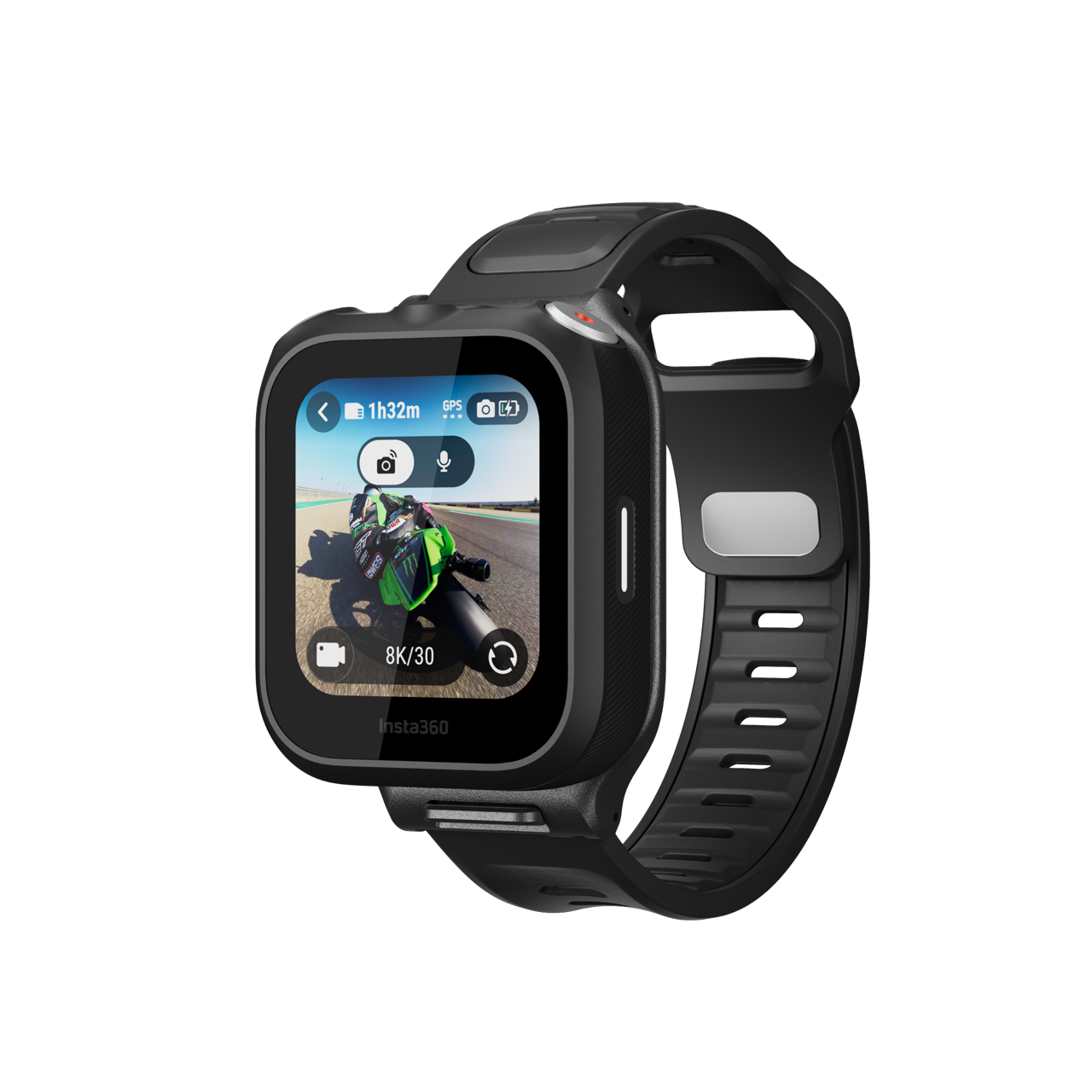
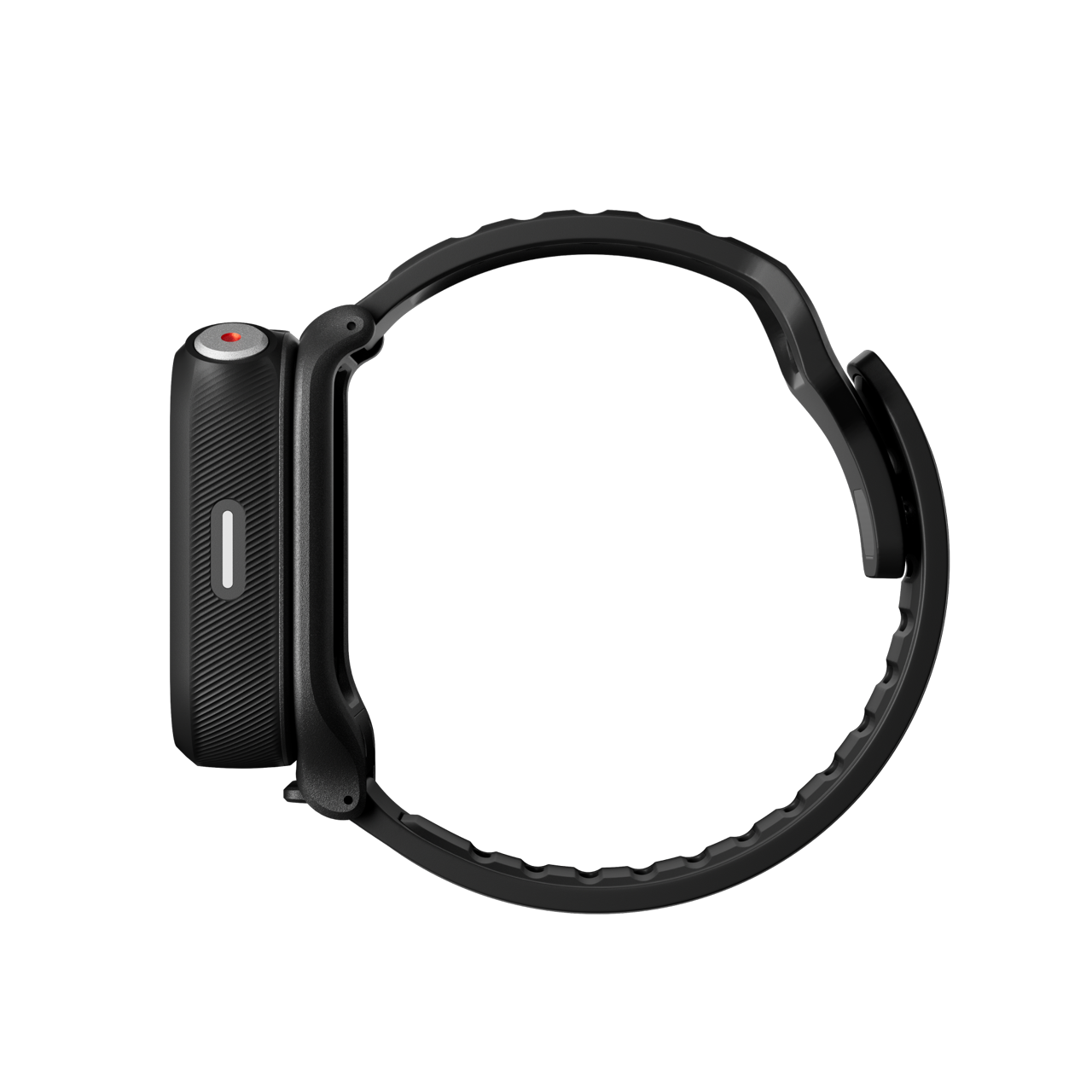
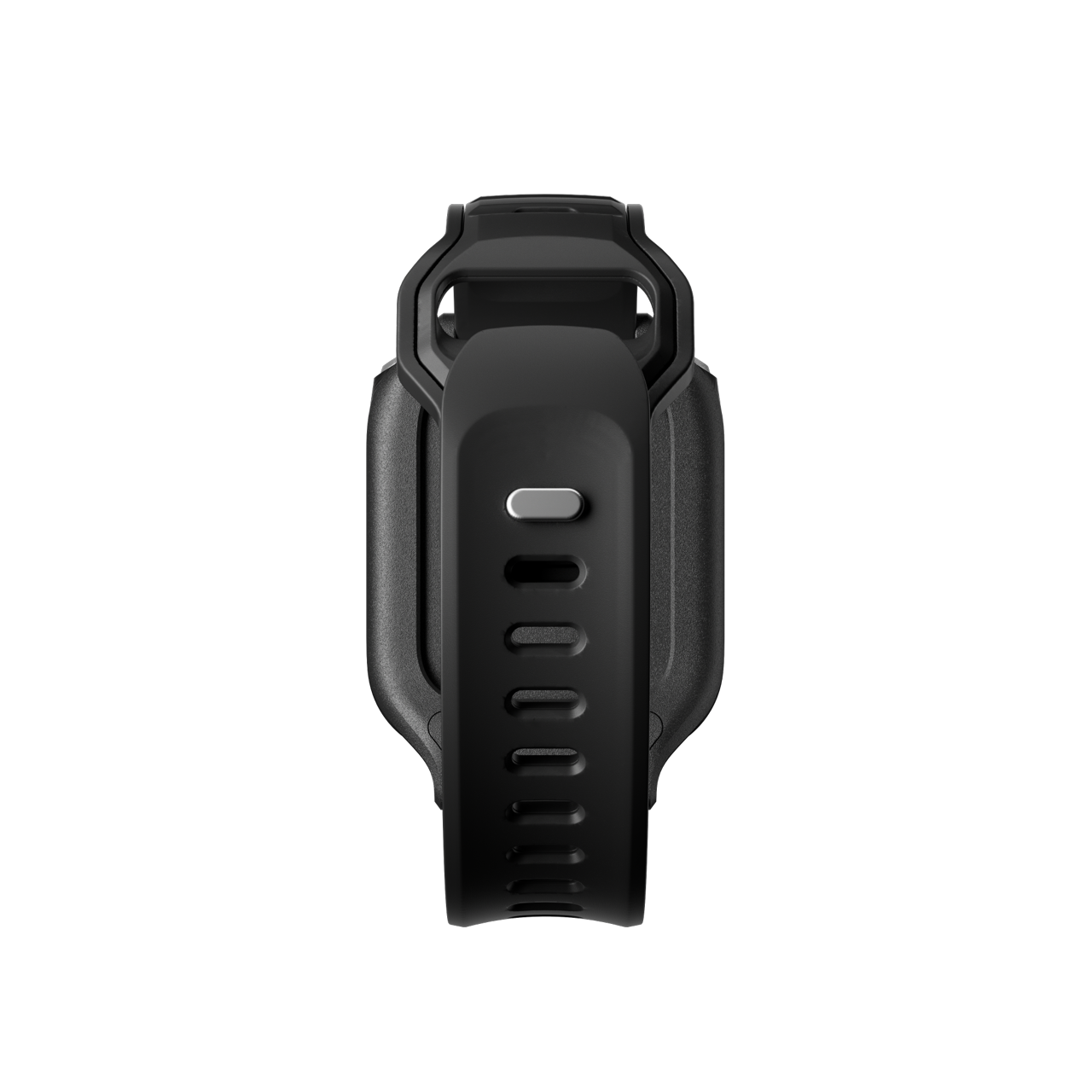
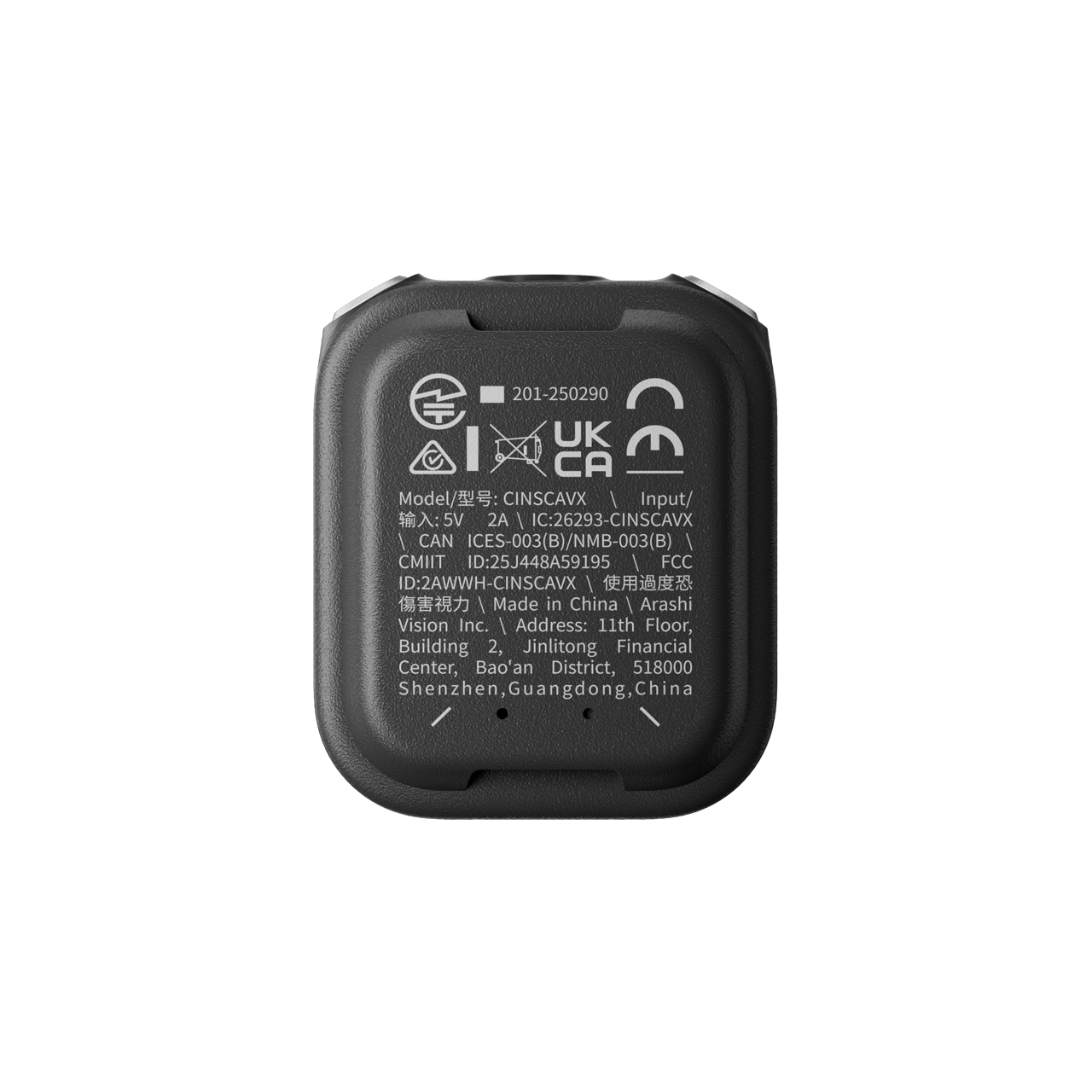
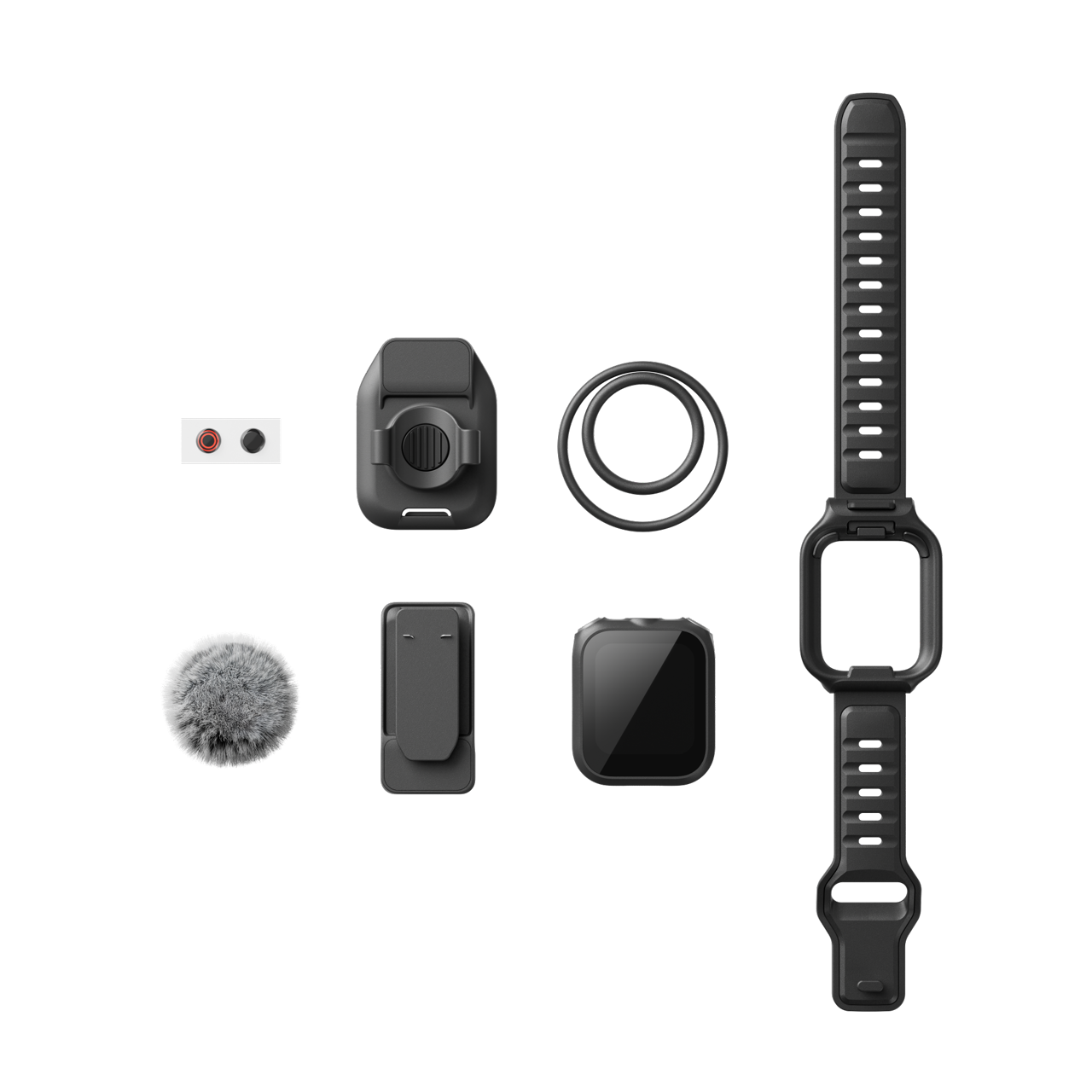
GPS 图传遥控器(支持收音) Overview

GPS Preview Remote
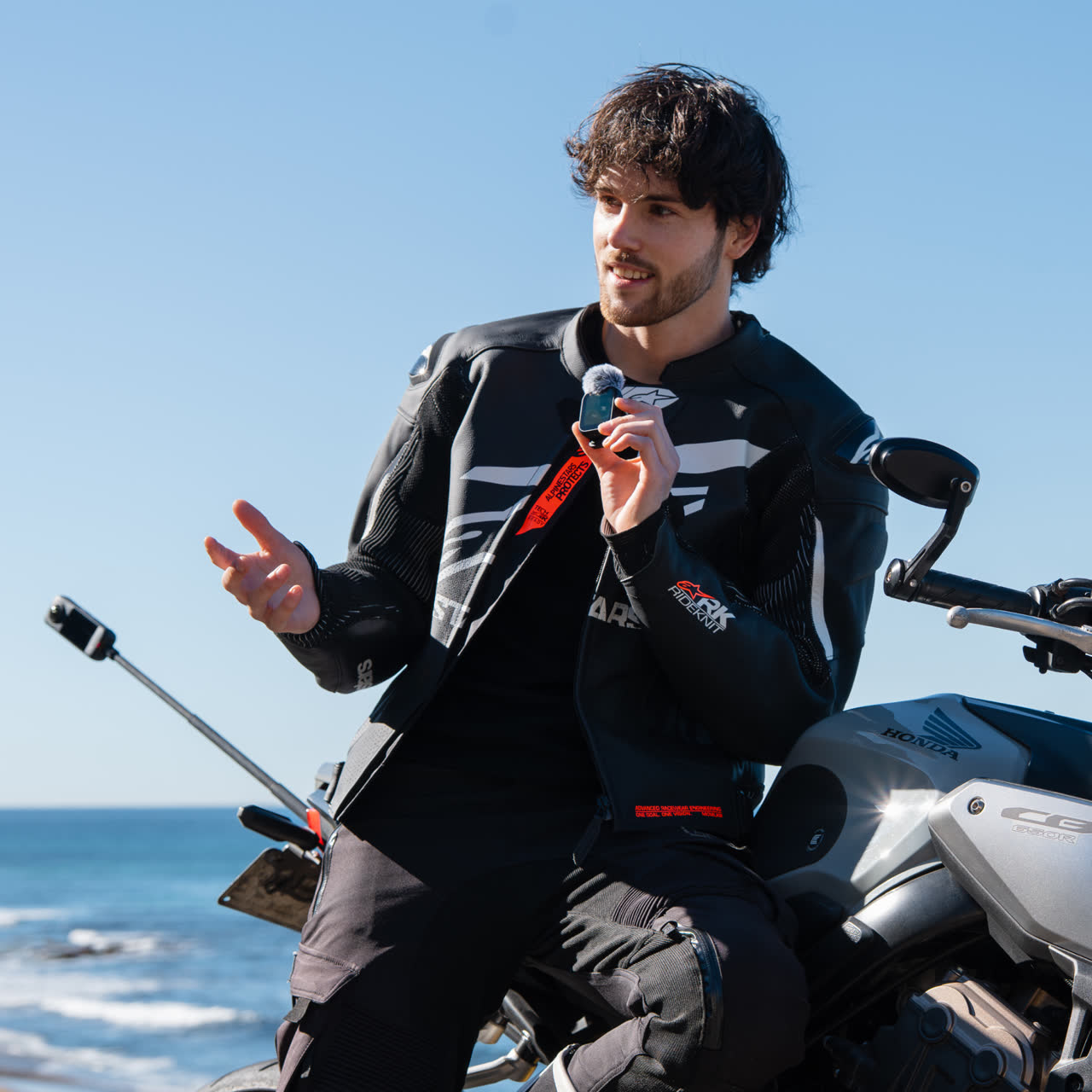
with Built-In MicShoot further. Sound better. Stay in control.

Smoother shooting, clearer audio.

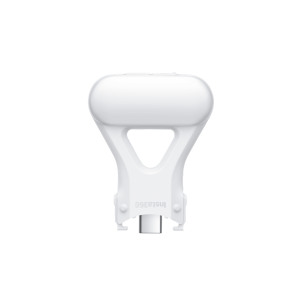
- 4-in-1 tool compatible with Insta360 X5 and Insta360 Ace Pro 2 to streamline your creative workflow. Delivers professional-grade audio with clear vocals and pure sound.
*Further camera compatibility coming soon.
Full control at your fingertips.
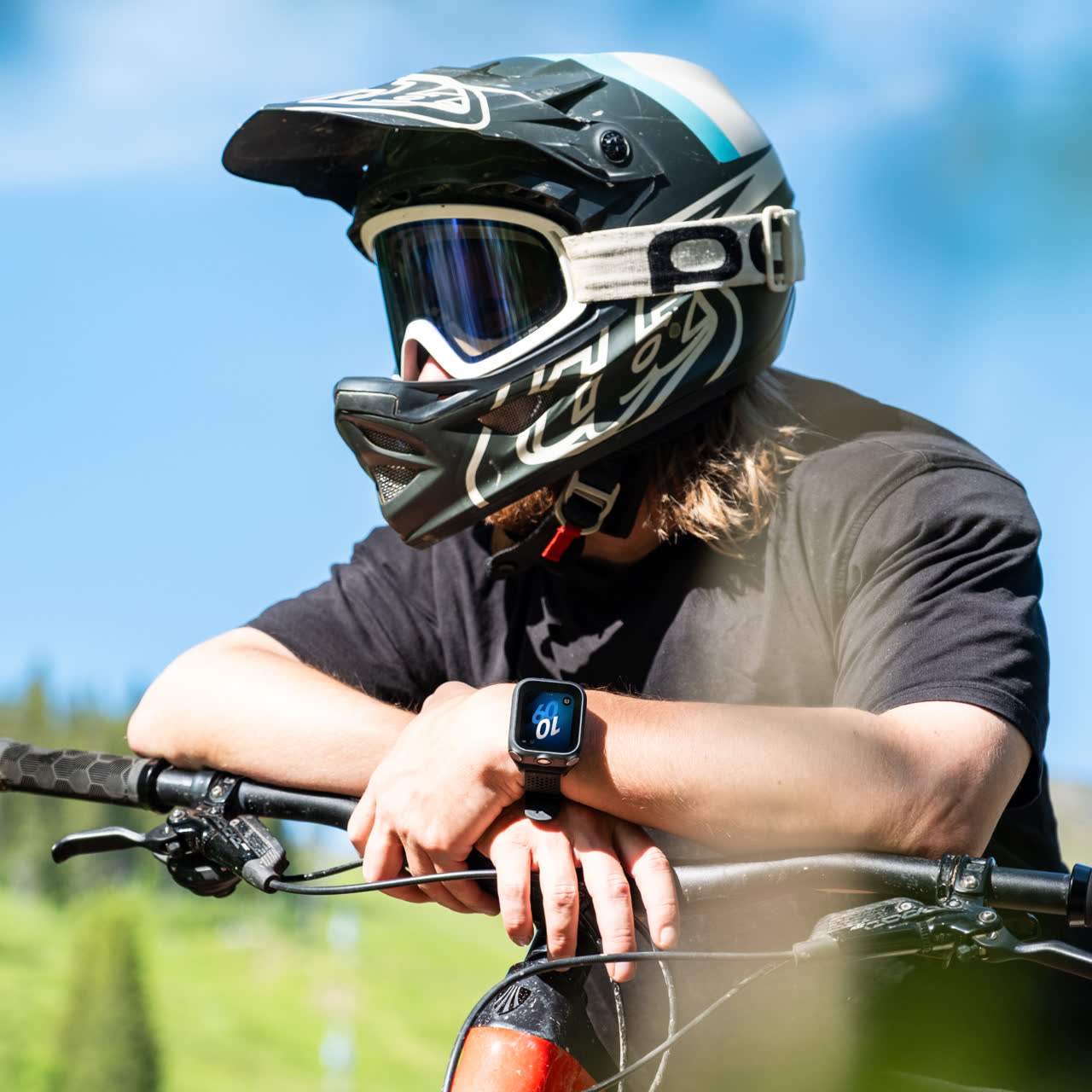
- Take command with rock-solid remote control—start shooting, adjust camera settings, preview 360 shots*, and wake up your camera from up to 525ft (160m) away**.
*Available in 360 video mode on 360 camera models.
**Tested in an open environment without interference.
Stay up to date.
To keep the camera and remote compatible, keep both up to date with the latest official firmware. Connect the remote to the Insta360 app to check for new firmware.
How to update firmware:
Open the Insta360 app and head to Me > Device Settings – Accessory Settings and connect to the remote. If a firmware update is available, follow the on-screen instructions to update the remote.
Open the Insta360 app > Me > Device Settings – Accessory Settings.
Tap the remote to connect.
If a firmware update is available, update the remote.
The app will automatically download and transfer the new firmware to the remote. Ensure the phone screen is on and do not exit the app.
The remote will automatically restart once the transfer is complete and start the update. You can view the update progress on the remote’s screen. When the update is finished, you can use the remote as normal.